

Where to Place a Forex Stop-Loss: 3 Methods and How to Set Lot Size
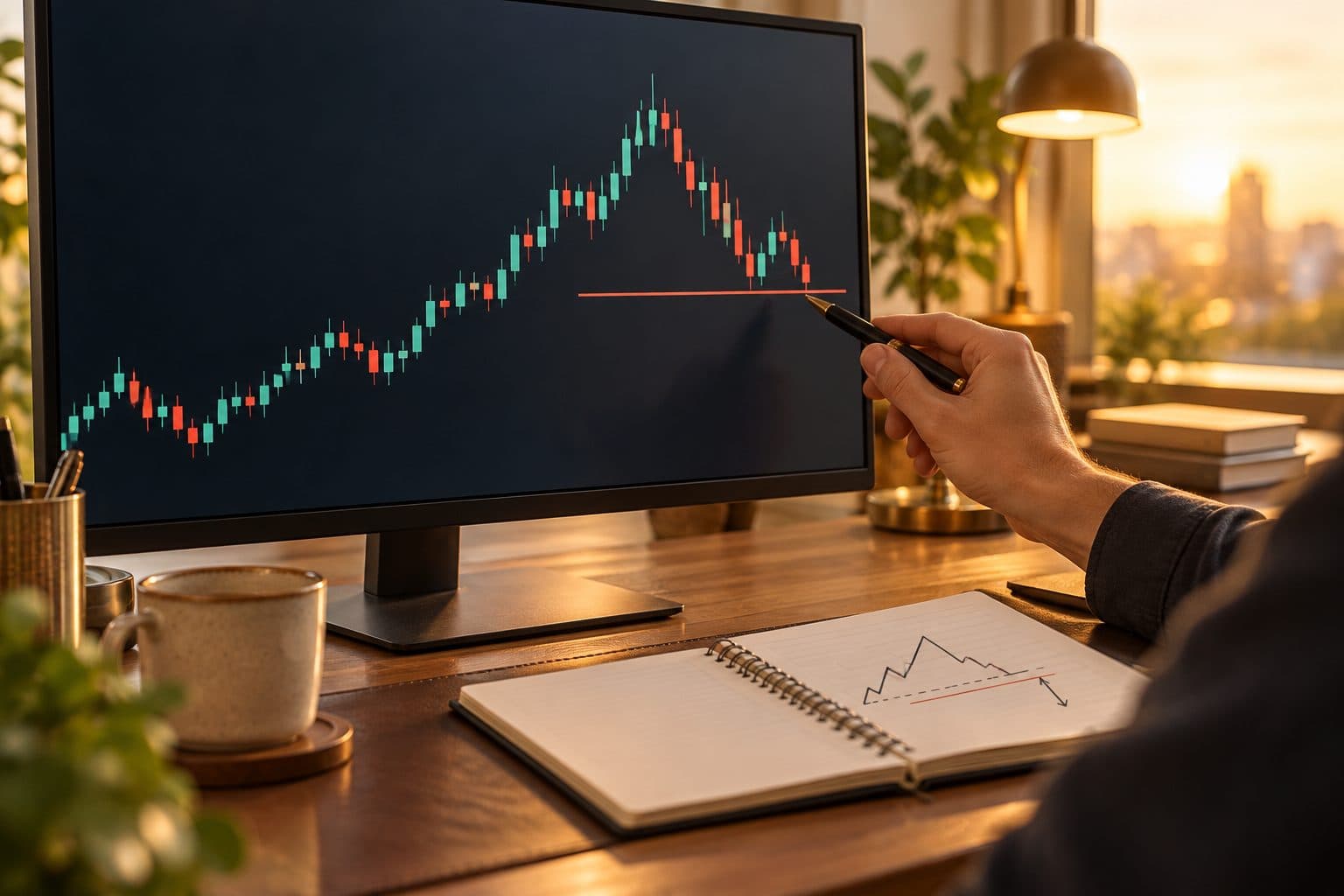
Are you unsure each time where to place your stop-loss?
In short, the basic order is to decide where to place it first, then work backward from that distance to set your lot size.
This article covers three ways to place a stop, a lot size calculation example, stop order settings, common mistakes and how zero-cut relates.
In short: place the stop first, and decide the lot size afterward
- Set your stop-loss with a stop order at the same time you enter
- The three basic methods are recent highs and lows, ATR and account percentage
- Once the stop distance is set, divide your acceptable loss by it to get the lot size
- Even with zero-cut, it is not a substitute for a stop-loss
Why you need a stop-loss
A stop-loss means closing a position yourself and locking in the loss once an unrealized loss reaches a set distance. Without one, a single losing trade can take most of your funds.
- When the market moves against you, you can set the upper limit of your loss yourself
- A number set in advance helps keep emotional attachment to an unrealized loss in check
- Because the loss amount is fixed, you can calculate your lot size and fund management
- Even with a lower win rate, small losses make it easier to keep your funds going
Three ways to place a stop-loss
Methods fall into three groups by what they are based on: the shape of the chart, the size of price moves, or the ratio of your funds.
| Method | Basis | Idea | Note |
|---|---|---|---|
| Beyond a recent high or low | Chart shape | For buys, place it below the recent low. For sells, above the recent high | The distance tends to be wide, so you need to lower your lot size |
| Volatility-based | A multiple of ATR | Use something like 1 to 2 times the average range as the stop distance | The multiple changes by method, so it needs testing |
| Work back from account percentage | Acceptable loss amount | Place it at a distance that fits within your acceptable loss | If too tight, normal price moves are likely to trigger it |
Place it beyond a recent high or low
This places the stop slightly outside the level where you would judge your view has broken down. For a buy, a guide is below the recent low. For a sell, above the recent high.
If you place it at the exact price, a mere wick touching it can trigger the close. Many people leave a margin of a few pips.
Place it using a multiple of ATR
ATR is an indicator showing the average price range over a set period. If ATR is, say, 15 pips, use 1.5 times, or about 23 pips, as the stop distance.
Ranges differ by currency pair and time of day. It is a method that adapts to market conditions better than a fixed number of pips.
Work back from your account percentage
This decides first how much you can afford to lose on one trade, then places the stop at a distance that fits within that amount. If it does not fit, lower the lot size or sit out.
Steps to decide lot size from stop distance, with a worked example
Once the stop distance is set, decide the lot size next. Reversing the order is what makes you want to move your stop.
- 1
Decide your acceptable loss
One approach caps it at around 1 to 2% of your account. 2% of $5,000 makes the acceptable loss $100.
- 2
Decide the stop distance in pips
From the chart or ATR, measure the distance to the level where your view breaks down. In this example, it is 20 pips.
- 3
Calculate the loss on 1 lot
For EURUSD, 1 lot is about 10 USD per pip. 20 pips × 10 USD is about 200 USD.
- 4
Divide the acceptable loss to get the lot size
100 USD ÷ 200 USD gives 0.5 lots. Round fractions down.
| Item | EURUSD | USDJPY |
|---|---|---|
| Account funds | $5,000 | $5,000 |
| Acceptable loss (2%) | $100 | $100 |
| Stop distance | 20 pips | 20 pips |
| 1 pip on 1 lot | About 10 USD | About 6.4 USD (¥1,000) |
| Loss on 1 lot | About 200 USD | About 128 USD |
| Lot size | 0.5 lots | About 0.78 lots |
Stop order settings and points to note
If you set your stop-loss with a stop order, it works even while you are away from the screen. In MT5, you can set it in the SL field of a new order or by modifying an open position.
- Make it a habit to enter the SL at the same time as the entry
- For buys, set it below the current price. For sells, above
- Expect the exit price to shift by the amount of the spread
- On indicator releases or sudden moves, an order may fill at a worse price than set
Common mistakes: moving or removing your stop
- Moving the stop farther away after the unrealized loss grows
- Removing the order as price nears the stop and switching to "waiting for it to come back"
- Placing it too tight and being closed out repeatedly by normal noise
- Raising your lot size on the next trade to win back a loss
If you move it, move it only in the favorable direction
Once you have an unrealized profit, moving the stop toward your entry price is one method. Moving it in the unfavorable direction breaks your plan made in advance.
Why you need a stop-loss even with zero-cut
Zero-cut is a system where the broker covers the amount by which your balance goes negative. The conditions for applying it differ by broker, so you need to check the official page.
- Zero-cut prevents margin calls on a negative balance. It does not protect your funds
- Before that, a stop-out can take most of your funds
- The stop-out level tends to sit later than your own stop-loss
- In a sudden move, your account funds can nearly disappear
How stop-losses relate to cashback
Many cashback systems calculate returns from your trading volume. Whether trades closed by a stop-loss are eligible needs to be checked with each broker.
Return amounts are not yet confirmed, and we will post them on each broker's page at launch. Avoid delaying a stop-loss or raising your lot size because of returns.
Enter your lot size and margin to check how much room you have before a stop-out. Compare it with where your stop-loss sits.
Check your stop-out levelFAQ
Q.How many pips should a forex stop-loss be?
There is no fixed right answer. It is common to set the distance from market-based references such as recent highs and lows or ATR, then work back to a lot size from that distance and your acceptable loss. Avoid deciding by a fixed number of pips alone.
Q.What percentage of my funds is a guide for losses on one trade?
An approach that caps it at around 1 to 2% of your funds is well known. However, the right percentage differs by experience, method and fund size. Set your own rule within a range you are comfortable with.
Q.Can the execution price still shift even if I set a stop-loss?
Yes. On indicator releases or sudden moves, slippage can make the price worse than you set. Use a lot size with some room, and be careful about trading around releases.
Q.If there is zero-cut, do I not need a stop-loss?
You still need one. Zero-cut prevents a negative balance, but it does not protect your funds. The conditions also differ by broker, so a stop-loss that limits your loss yourself is important.
This article is for information purposes only and is not investment advice. Conditions may change, so please check each broker's official page for the latest information. Offshore FX and CFD trading carries a risk of losses exceeding your principal.